
TattooStencilHub · Studio
Warming up stencil bench...
TattooStencilHub · Studio
Warming up stencil bench...
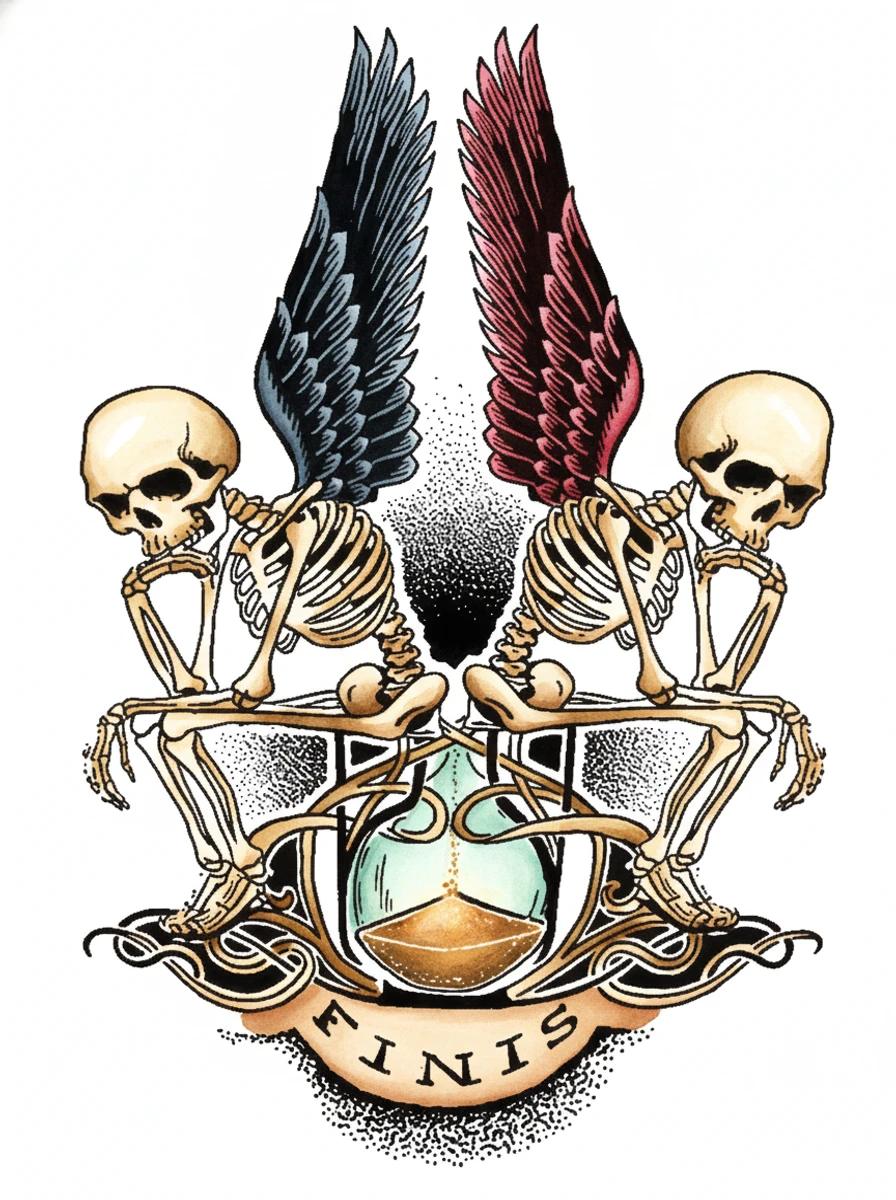
Check how GTA VI Jason's Finis Hourglass Skeletons holds over 10 years on skin
Send this design straight to Rate My Tattoo for line-clarity & aging analysis, or open it in Studio to customize size, limb warp & 1:1 cm PDFs.
Next in your workflow
Audit whether fine details at your chosen centimetre width have enough breathing room to hold cleanly.
Convert your chosen placement into Fine, Standard, and Bold thermal stencils sized to the millimetre.
Generate custom black-and-grey or color flash isolated on white so it blends cleanly onto skin.
Planning a cover-up? Erase or laser-fade an existing tattoo on your photo first to preview clean skin.
How local browser placement, custom screenshots, and sizing for your artist work.
No. Placing library stencils, color flash, or your own custom tattoo screenshot happens right in your browser so your body photo never leaves your device.
Yes. Tap Live camera and allow camera access when your browser asks. Drag the design into place, pinch to resize and twist to rotate, pick the Fresh, 1 Yr or 10 Yr ink look, then take the photo to save or share it. Tap Use this photo to keep adjusting the snapshot in the photo try-on. The camera feed and the design are combined on your device, so nothing is uploaded.
Yes. Tap 'Upload custom design (Free)' inside the studio. Your uploaded design is contrast-isolated locally so you can test Full Color or custom single-ink shades on your skin immediately.
Tap 'Rate this tattoo' right under the preview controls. Your active design opens directly inside Rate My Tattoo for a free 1 to 10 craft and hold score, with an optional Deep Consultation Report ($4.99).
Testing all 239 library designs and uploading your own custom designs on your skin photo is completely free.
Any part you can photograph: arm, forearm, shoulder, collarbone, chest, back, thigh or calf. Upload the photo, then drag, resize and rotate the design onto the exact spot you are considering, and switch between full color and single ink.
No download. Try On Me runs in your phone or desktop browser, and you can add it to your home screen as an app from the browser menu. Previewing library designs and your own uploads is free.
Try On Me lets you visually position, resize, rotate, and preview ink colors on your body photo for free. Rate My Tattoo scores a planned design or healed tattoo across 4 sub-scores (line clarity, 10-year ink hold, contrast and body suitability) and generates a written artist brief plus a 3-weight print-ready PDF packet ($4.99 Deep Report).